Capture leads, automate follow-up, keep CRM context, and spot retention risk before it becomes churn.
Unify growth, daily operations, revenue, and control across every location.
Replace scattered CRM, scheduling, payments, access, reporting, and portfolio tools with one platform built for fitness, wellness, clinic, and franchise teams.
Multi-location readyPortfolio and franchise control
Payments + accessBilling, POS, check-in, and doors
Clear rolesThe right access for every team
Launch supportA cleaner path away from tool sprawl
Understand HexaFit by outcome, not by module.
The product is broad, so the feature page is organized around what buyers need to improve: growth, daily work, access, revenue, visibility, and control.
This is the canonical HexaFit . Other pages link here instead of repeating the full model.
Member scansAccess approvedStaff sees statusOwner reviews locations
Manage staff, schedules, classes, services, front desk flow, and POS from the same workspace.
Connect check-ins, kiosks, scanners, door rules, device health, and staff recovery actions.
Run memberships, billing recovery, POS sales, payment readiness, deposits, refunds, and reports.
Review locations, revenue, member activity, launch status, exceptions, and team handoffs.
Use roles, audit trails, trust artifacts, healthcare-ready controls, and procurement evidence.
A prospect is captured, followed up, signed up, and tied to one customer record.
Before: scattered lead notes. After: one profile with plan, payment, and follow-up.
LeadPlanProfile
The member checks in, access is approved, and staff sees the visit context.
Before: front desk guesswork. After: access status and visit context appear together.
Check-inAccessVisit
A failed payment becomes a clear recovery task instead of a hidden revenue leak.
Before: missed collections. After: recovery tasks, member notice, and reporting stay aligned.
AlertRecoverReport
Leaders compare location health, rollout status, revenue, and exceptions in one place.
Before: separate reports. After: one leadership view for action and follow-up.
LocationsRevenueAction
Product walkthrough
See how a lead becomes a paying member, visit, and report.
HexaFit is easiest to understand as one connected workflow: capture the customer, run the visit, collect payment, and show the owner what happened.
HexaFit operating flowDemo environment
Capture demand
Website leads, referrals, trials, and campaigns enter one sales path.
Lead formsFollow-upReferrals
Run the location
Staff manage schedules, members, check-ins, access, packages, and services together.
BookingsAccessStaff roles
Control revenue
Owners see plans, billing, POS, recovery, deposits, and location reporting in one view.
MembershipsPaymentsReports
OwnerPortfolio viewRevenue, locations, rollout
ManagerDaily workflowSchedule, staff, members
Front deskMember flowCheck-in, POS, service
Screen content and metrics are examples for product walkthroughs.
Product walkthrough
Turn feature review into a clear operating picture.
Owners can see how growth, scheduling, access, payments, and reporting work together by location.
01Lead
02Member
03Visit
04Payment
05Report
Owner view
Locations, revenue, approvals, and risk signals in one operating view.
LocationsRevenueControls
Staff workflow
Scheduling, check-in, POS, access, and member service stay connected.
ScheduleAccessPOS
Member journey
Signup, plan, appointment, visit, reminder, and payment history move together.
SignupVisitsPlans
Product snapshot
See the product surfaces behind the feature list.
Features are easier to understand when the buyer can see the operating screens they support.
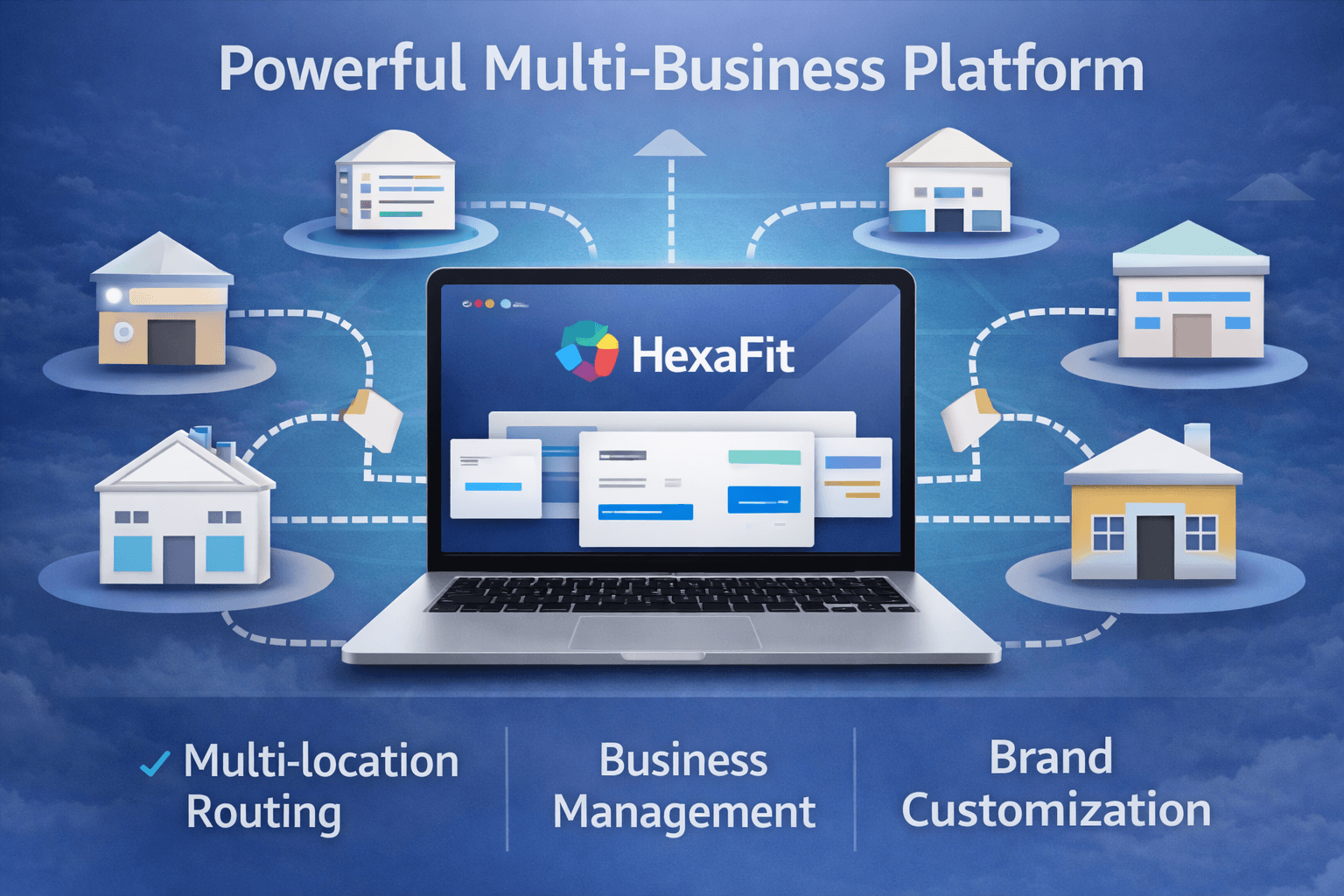
Owners scan location health, rollout status, revenue, and exceptions.
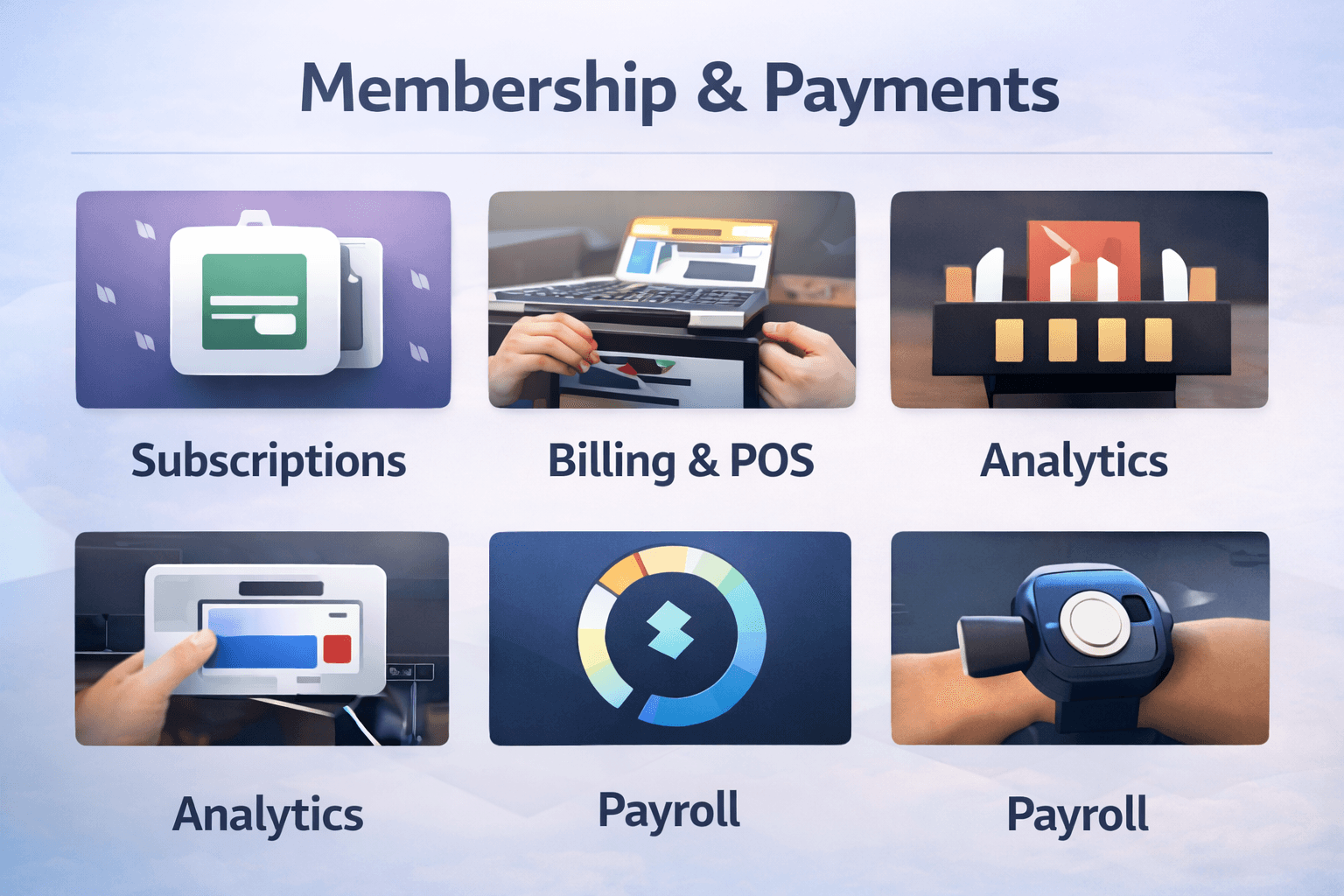
Finance reviews subscriptions, POS, recovery, and reporting together.
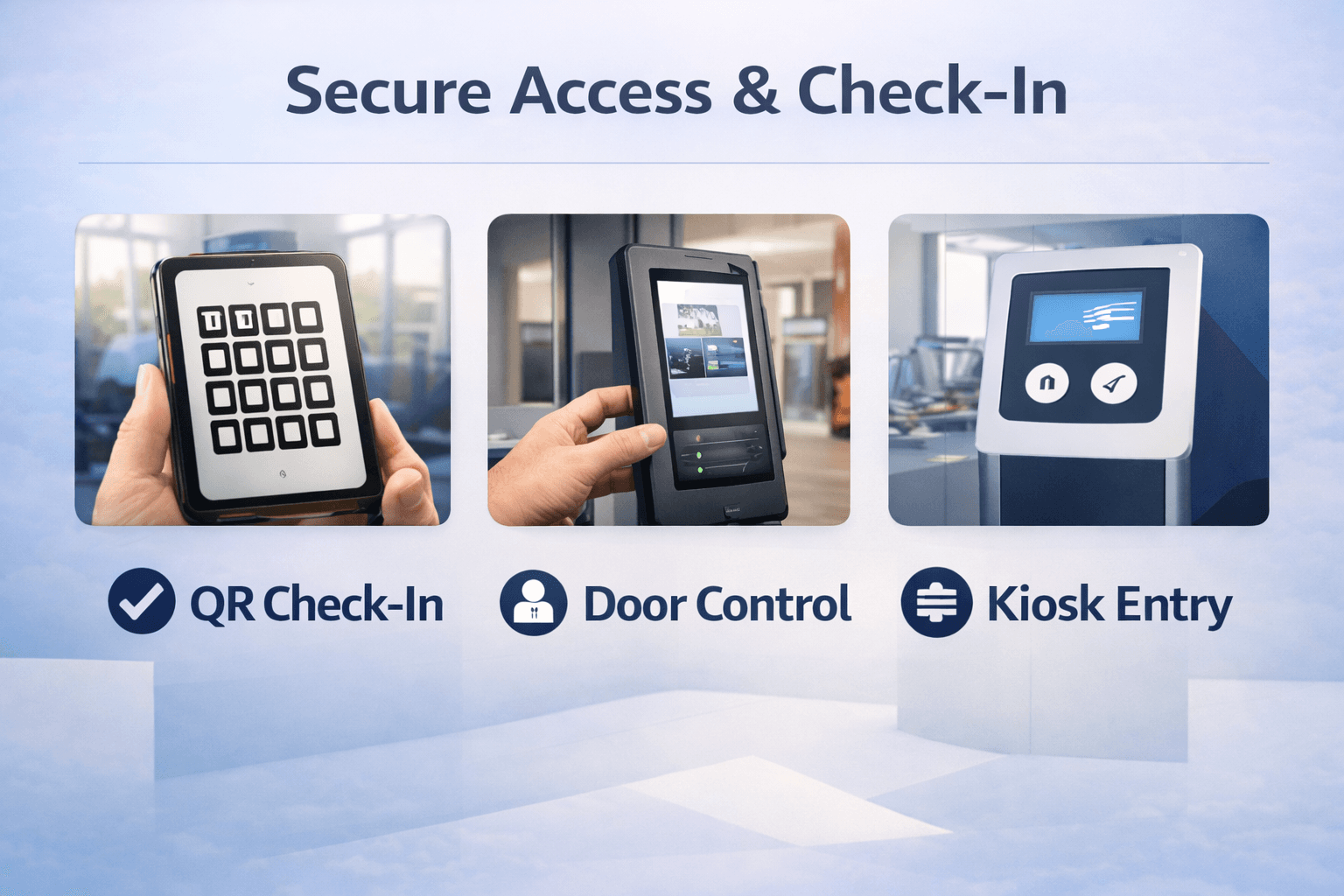
Operators connect member identity, access rules, scanners, kiosks, and front desk flow.
Interactive product tour
Turn the feature list into day-to-day work.
The feature page focuses on who uses each workflow: sales captures demand, staff runs the visit, and leadership reviews results.
Location health, revenue, rollout status, and exceptions.
Staff, schedules, members, access, and service flow.
Plans, payments, recovery, deposits, and reporting.
01Growth tools
Lead capture, campaigns, referrals, reviews, and win-back activity stay tied to the member record.
CRMCampaignsReferrals
02Operations tools
Classes, appointments, rooms, staff, services, and capacity are managed by location.
ScheduleStaffCapacity
03Access tools
QR entry, kiosk flow, scanner events, device rules, and door access follow member status.
QRKioskDoor rules
04Leadership tools
Executives review revenue, risk, location readiness, retention, and portfolio exceptions.
PortfolioRiskReports
Replace tool sprawl with one operating model.
Owners see the business in plain language: leads, visits, payments, access, and reports connected by location.
WebsiteCRMSchedulingBillingAccessReports
HexaFitOperating platform
One customer recordOne revenue viewOne location model
What it replaces
Show non-technical buyers what moves into HexaFit.
HexaFit is easier to evaluate when owners can see the everyday tools it replaces and the outcome each workflow creates.
Leads, referrals, campaigns, and staff follow-up stay in one sales path.
Replaces: Manual web forms, shared inboxes, ad exports, and prospect spreadsheets.
Plans, classes, appointments, packages, and client self-service share one record.
Replaces: Separate schedulers, package trackers, and member portals.
Recurring billing, payment recovery, receipts, POS, and revenue reports stay connected.
Replaces: Disconnected payment terminals, billing exports, and manual recovery lists.
Check-in, QR access, door rules, devices, and staff roles follow the member journey.
Replaces: Standalone access tools, front-desk notes, and door-device spreadsheets.
Executives can see location health, rollout status, revenue, and exceptions faster.
Replaces: End-of-week reports assembled from multiple systems.
Teams
Capabilities framed around the people who choose, launch, and run HexaFit.
Evaluation moves faster when each team sees the outcome it owns.
Portfolio visibility without spreadsheet drift.
Track revenue, retention, launch status, and exceptions in one view.
Portfolio viewLaunch statusLeadership reporting
Run scheduling, access, staff, and member flow together.
Coordinate classes, appointments, check-ins, staff, and location controls.
SchedulingAccess controlStaff workflows
Stabilize memberships, billing, POS, and recovery.
Connect plans, recovery, packages, retail, and reconciliation.
MembershipsPaymentsReconciliation
Turn demand into member journeys.
Unify leads, referrals, gift cards, booking, follow-up, and reviews.
Lead captureReferralsAutomation
Give every brand the right access model.
Support roles, audit trails, integrations, and operating boundaries.
RolesAudit trailsIntegrations
Operating model
One operating model from first lead to renewal.
Attract demand, sell plans, run services, recover payments, and report by location.
View Enterprise Controls01
Growth + demand
Create a front door operators can measure.
- Public discovery
- Lead capture
- Gift cards
- Referral loops
- Review requests
02
Member experience
Own the journey from first visit to renewal.
- Self-service portal
- Bookings
- Waitlists
- Rewards
- Mobile access
03
Daily operations
Keep services, staff, rooms, and capacity in sync.
- Classes
- Appointments
- Coaching
- Check-in
- Door control
04
Revenue control
Protect cash flow across every offer and location.
- Membership billing
- POS
- Payment recovery
- Payroll evidence
- Analytics
05
Enterprise control
Scale without losing brand, location, or security visibility.
- Brand routing
- Roles
- Audit logs
- API paths
- Rollout reporting
Product views
Show the system buyers are actually evaluating.
Portfolio control, revenue operations, and secure access in one platform.
Command center
See portfolio health and location readiness in one place.
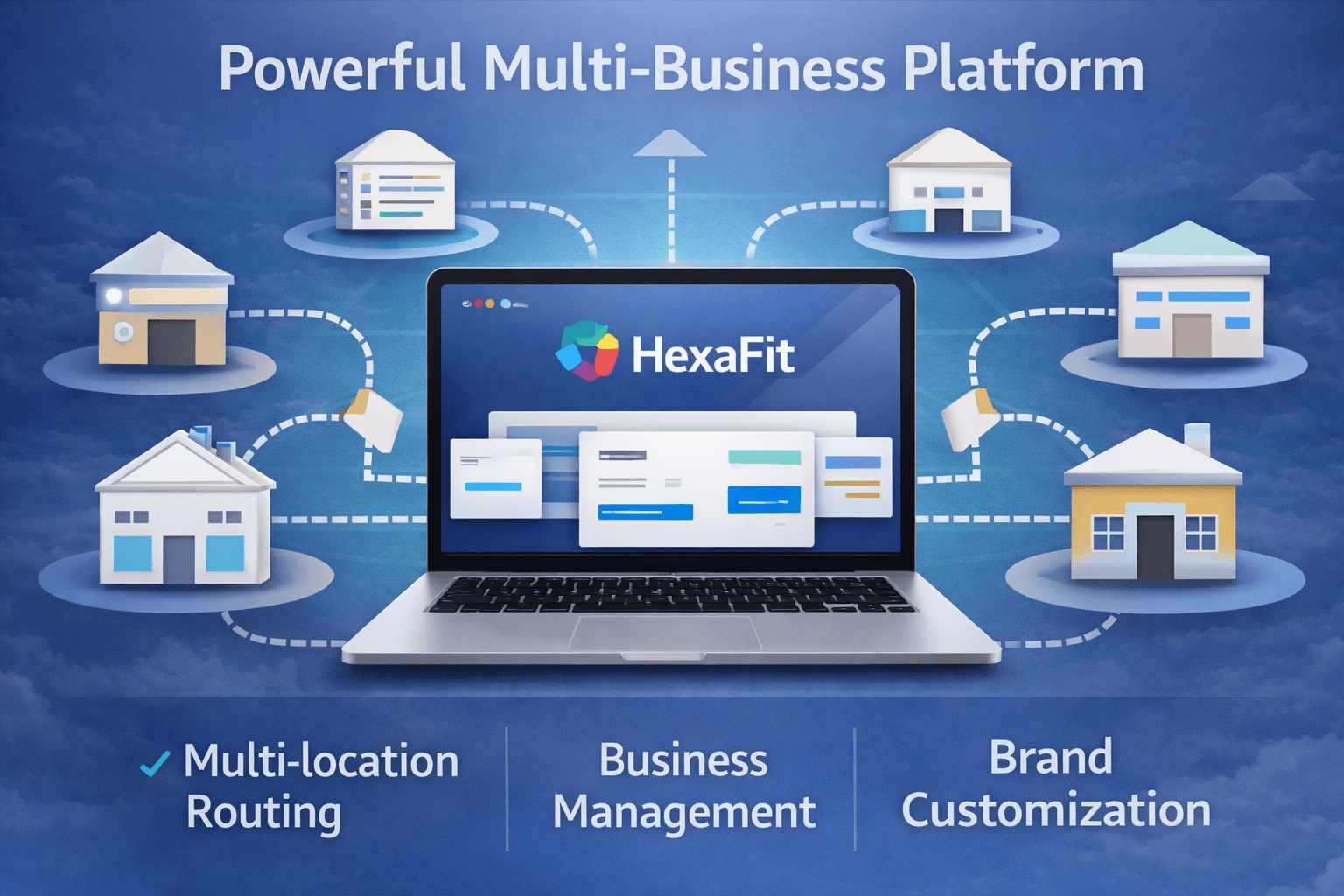
Product view for evaluation. Screen content may use demo data.
Revenue engine
Connect subscriptions, POS, analytics, and payroll evidence.
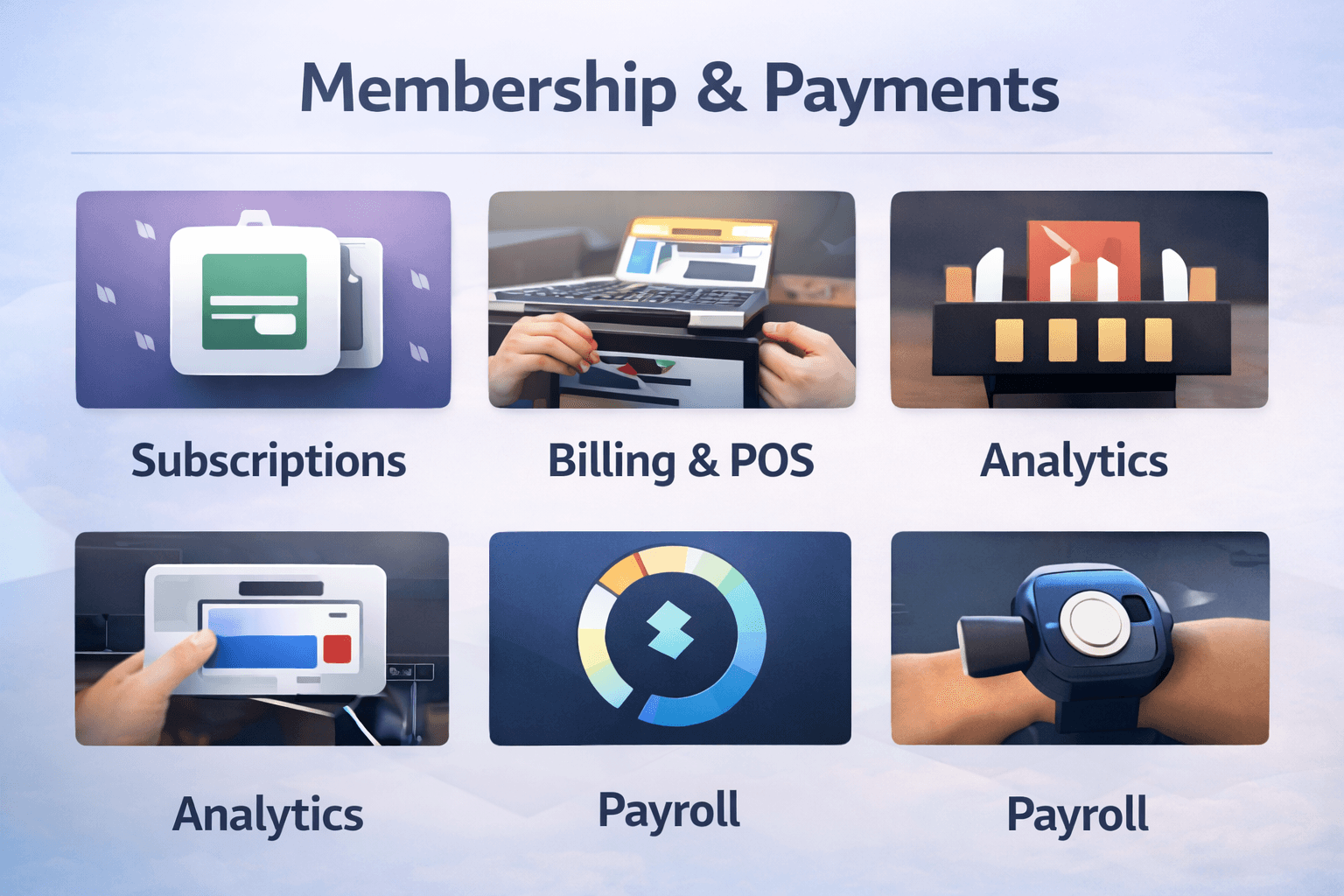
Product view for evaluation. Screen content may use demo data.
Access layer
Tie QR check-in, door control, and member identity to operations.
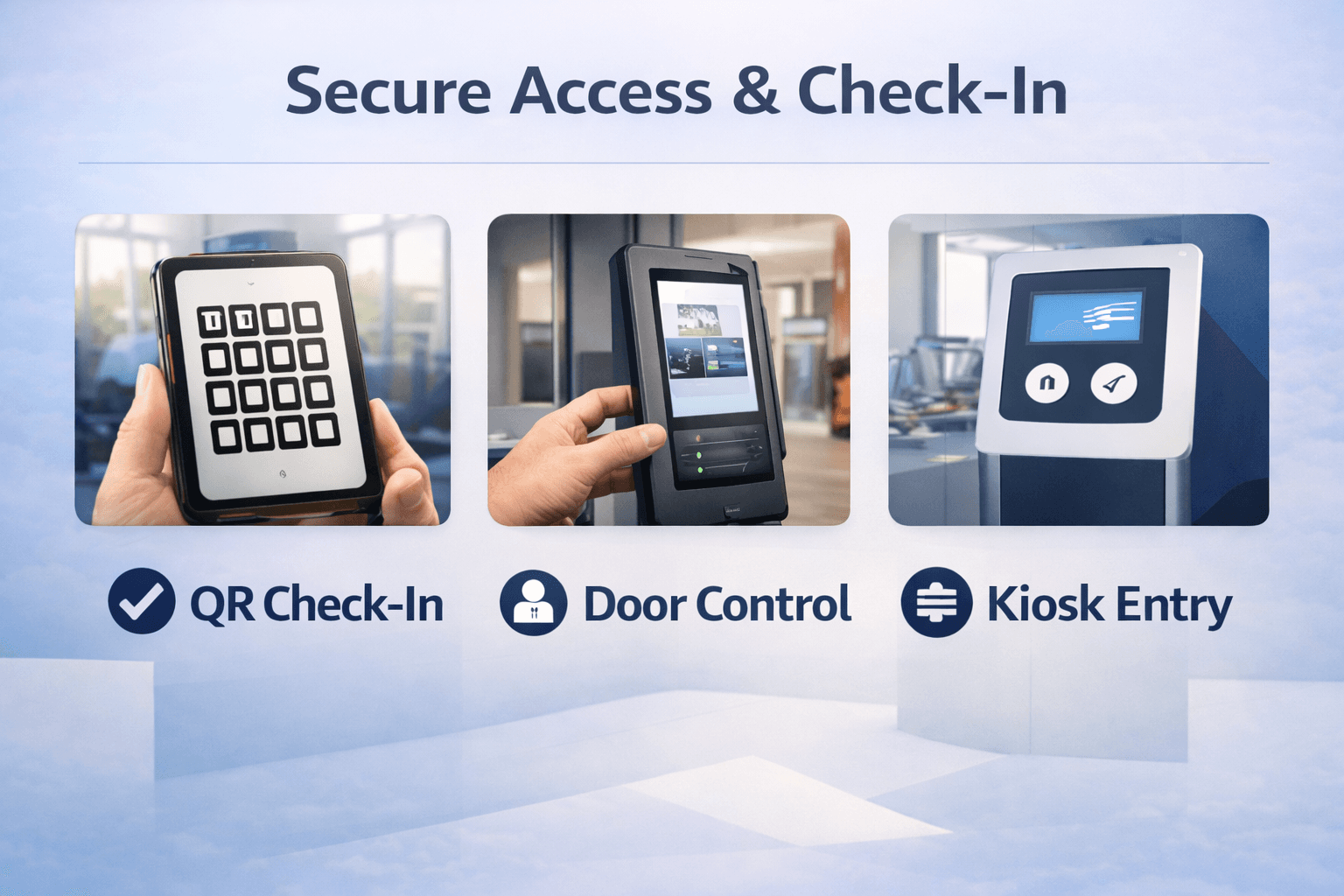
Product view for evaluation. Screen content may use demo data.
Integration map
Technical buyers can see where HexaFit connects before implementation.
Review payments, accounting, CRM, identity, reporting, webhooks, and access workflows before rollout.
HexaFitIntegration-ready platform
APIWebhooksIdentityAuditAccessExportsPaymentsAccountingCRMMarketingAnalyticsIdentityWebhooksAccess devicesReportingData exports
Review linksTrust links for product, security, and operations reviewers.
Buyer review path
Turn the feature review into a clear next step.
Compare plans, review security, and book a walkthrough with the same product context buyers just scanned.
LeadMemberVisitPaymentReport
Lead capture, scheduling, memberships, payments, access, and reporting stay connected.
Starter, Professional, and Enterprise paths make the first buying conversation sharper.
Security, privacy, SMS, DPA, and rollout topics are available before proposal work.
Trust, pricing, and legal review paths stay visible before commitment.